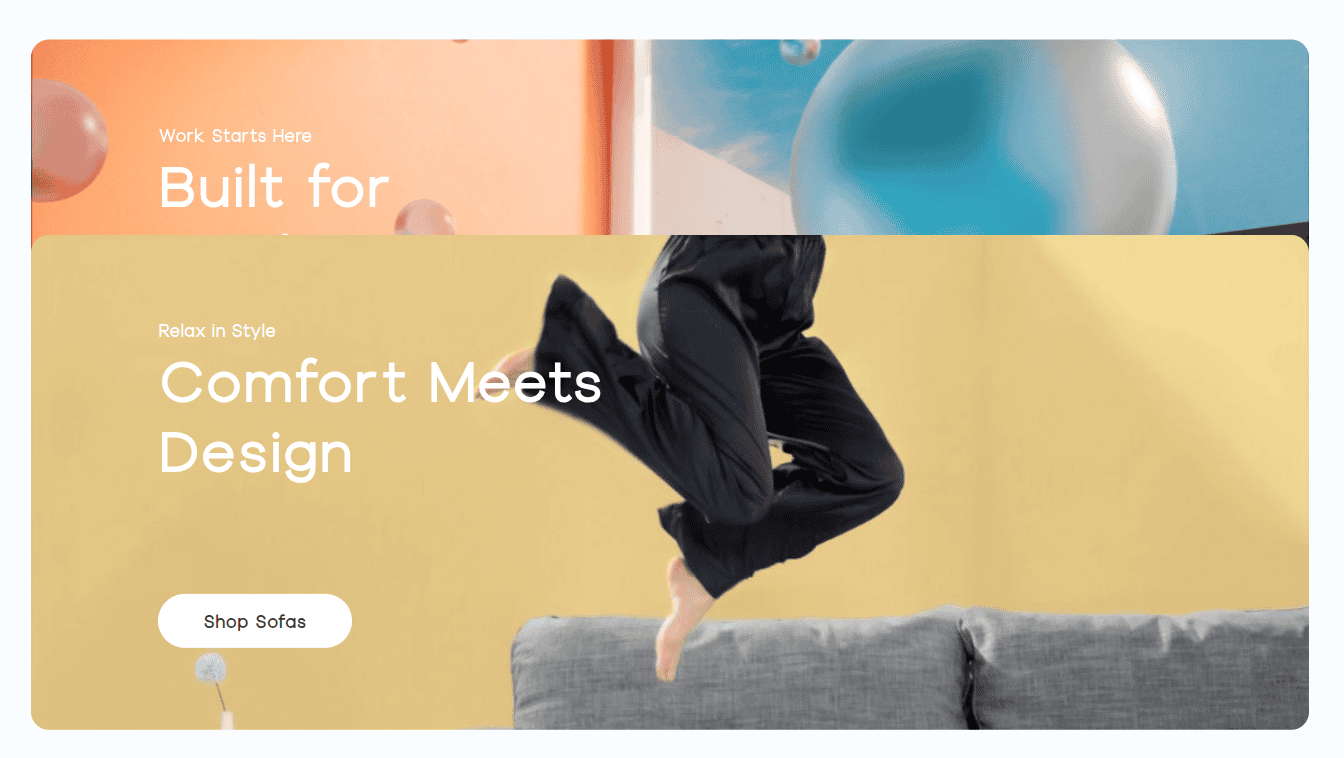
Enhance visual hierarchy and guide user attention with an intuitive stacking experience. From flexible layout directions to subtle animations and fully customizable cards, the Stacking Card element offers the ideal blend of structure and creative freedom.
Content Options
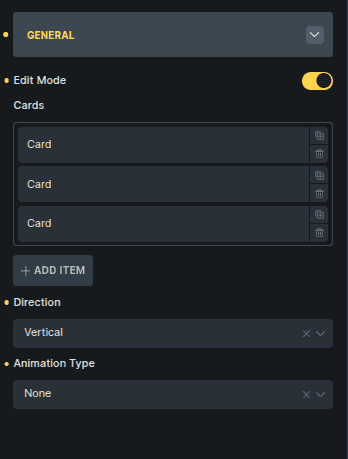
General
Controls how stacking cards behave and how they are edited.
Option | Description |
|---|---|
Edit Mode | Temporarily disables the stacking effect and displays all cards vertically for easier editing. |
Cards | Manages the list of cards included in the stack. |
Direction | Sets how cards are stacked (Vertical or Horizontal). |
Animation Type | Defines the animation used when cards transition. |
Clicking a card opens its own editing view, where you can add any Bricks or Bricksable elements as content.